
Product updates
Releases
This release makes places easier to open, share, and discover — with full venue pages, an FAQ, shareable map links, and aerial photos when a better picture isn’t available yet.
Late August 2026
25 August 2026
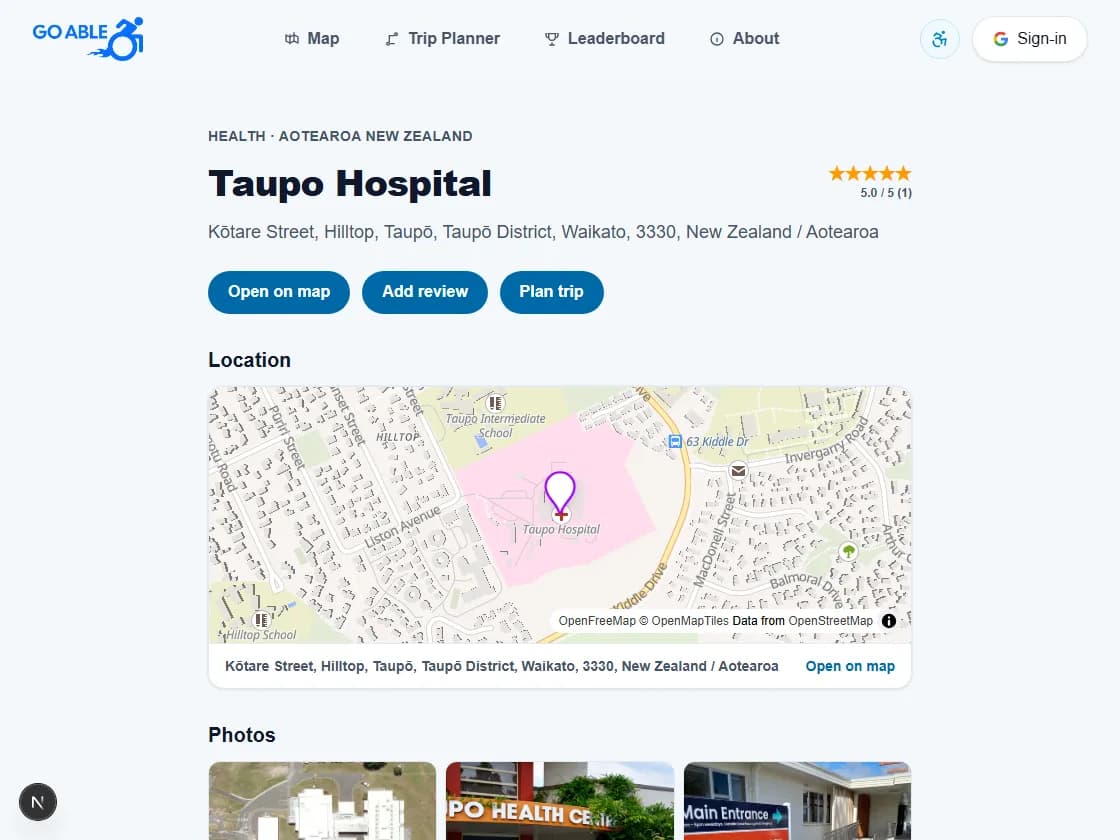
Venue pages
Every place now has its own page with a map, photos, accessibility summary, features, and reviews. Open on map, add a review, or plan a trip from the top of the page. Star ratings sit beside the title, and URLs use the place name plus suburb — for example /places/taupo-hospital-hilltop.
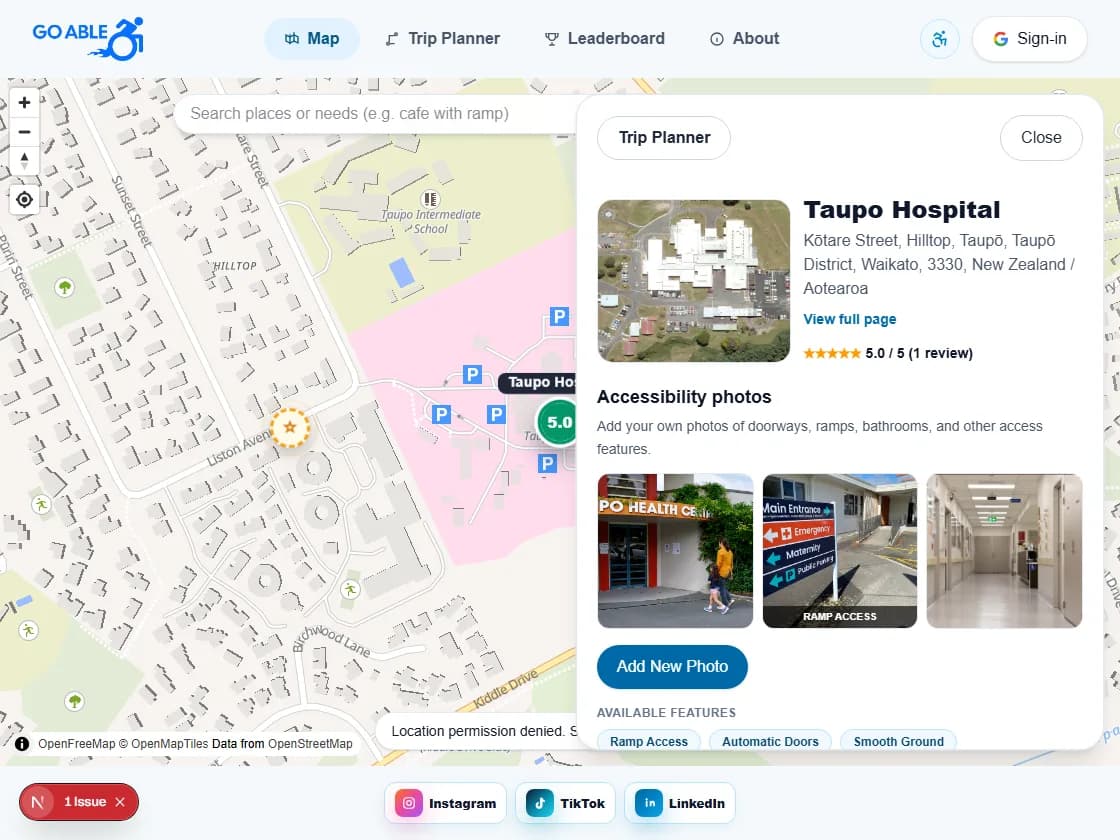
Shareable map links
Selecting a place on the map updates the URL with that location, so you can refresh or share and land on the same venue. From a venue page, View full page and Open on map keep map and place views connected.
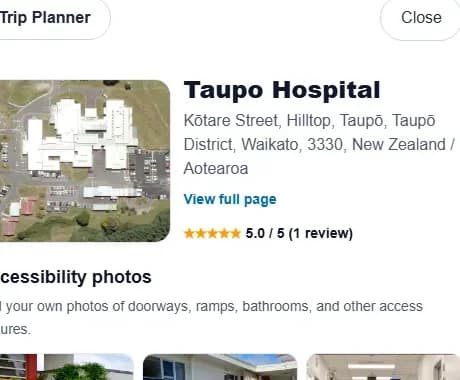
Aerial photos when needed
If a venue doesn’t have a reliable photo, Go Able shows a zoomed satellite crop of the pin instead of a mismatched Wikipedia image — so you still get a sense of the building and surroundings.
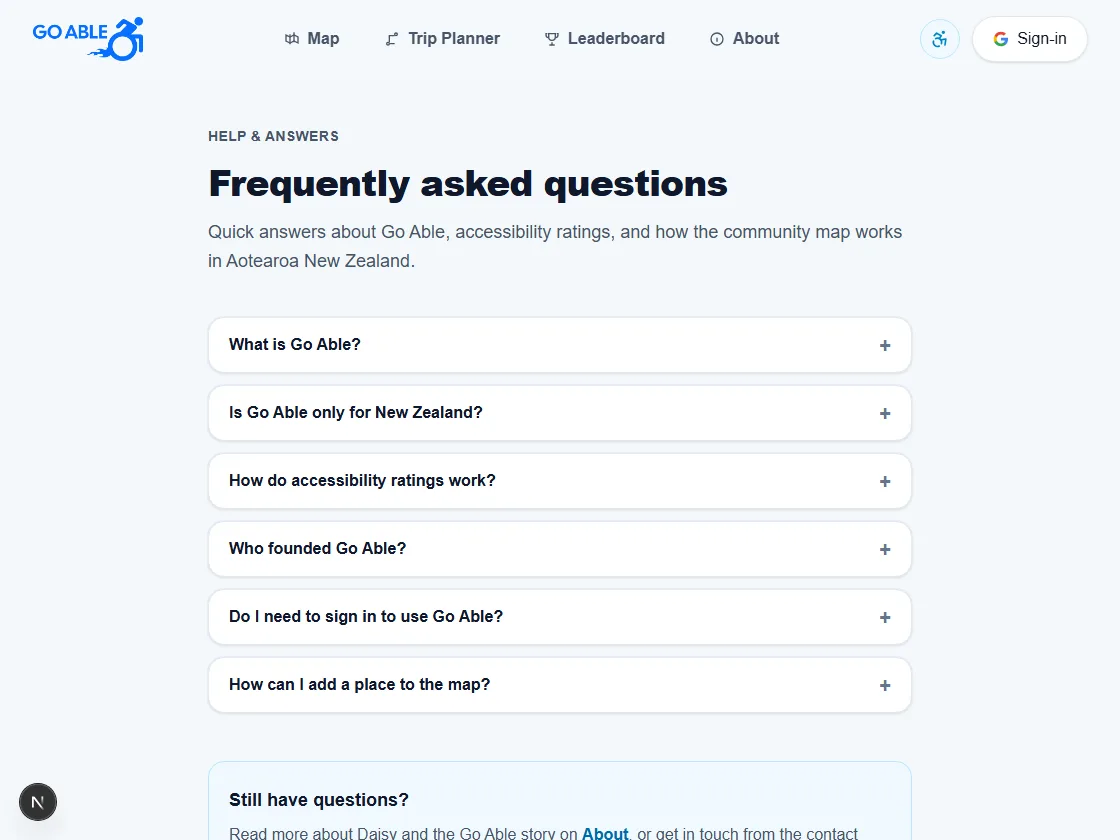
FAQ
A new Frequently asked questions page covers what Go Able is, how ratings work, signing in, and how to add places — with clear answers for newcomers exploring the map in Aotearoa.
August 2026
17 August 2026
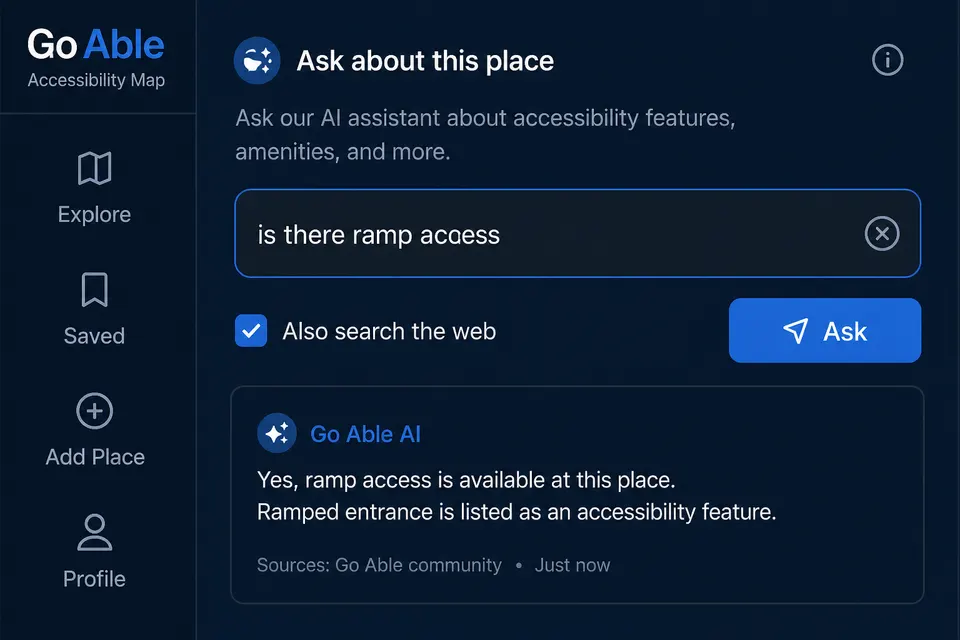
Ask about this place
On any venue, ask a plain-language question like “Is there ramp access?” Go Able answers from listed features, reviews, and photos first, with an optional web search for extra context.
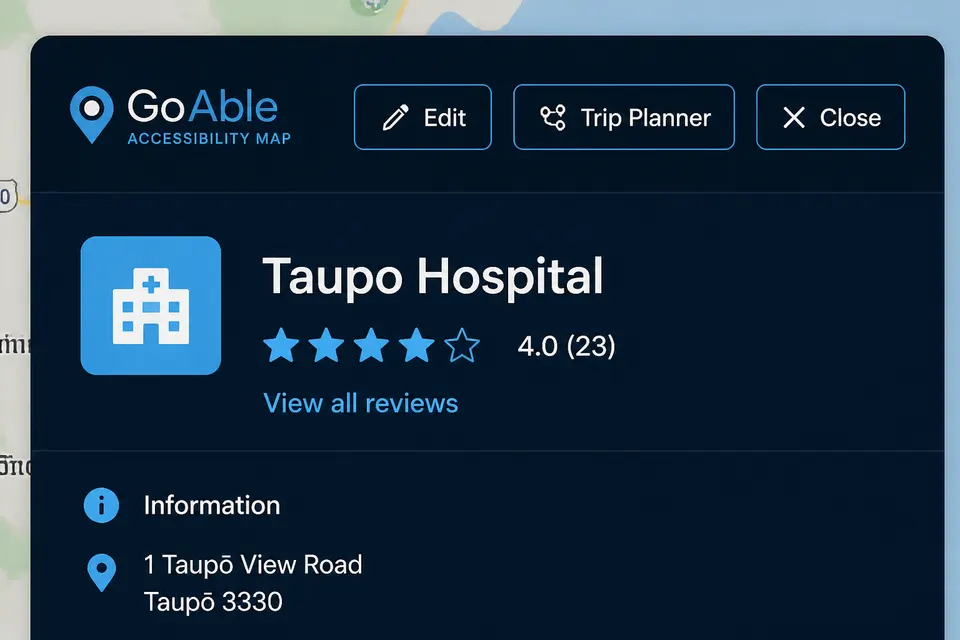
Trip Planner from a venue
Open Trip Planner straight from a location panel. The current place is filled in as From, and To is focused so you can set your destination in one step.
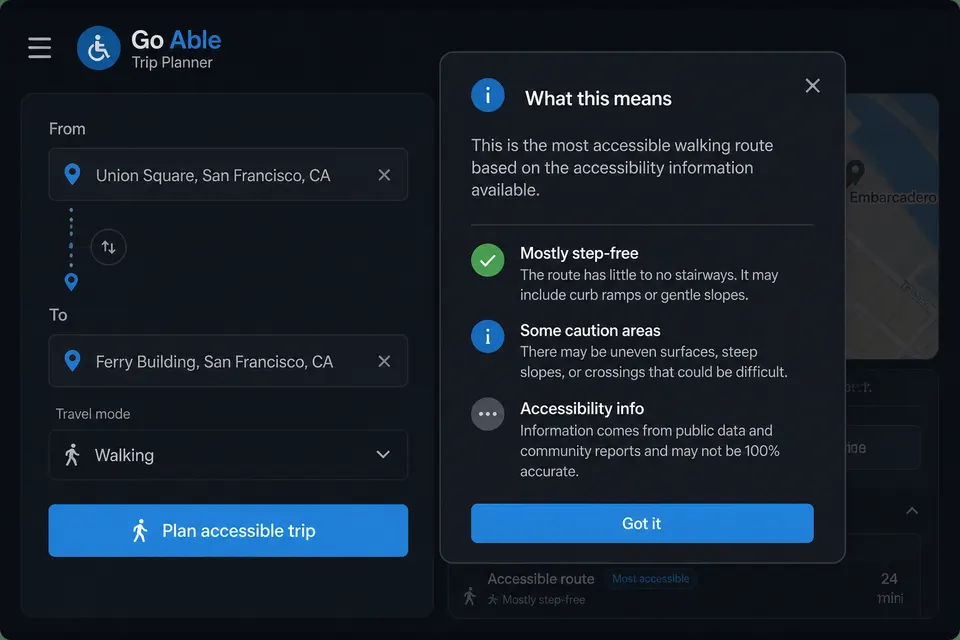
What this trip means
After planning a route, read a short plain-language explanation of accessibility along the way — what the score reflects and what to watch for.
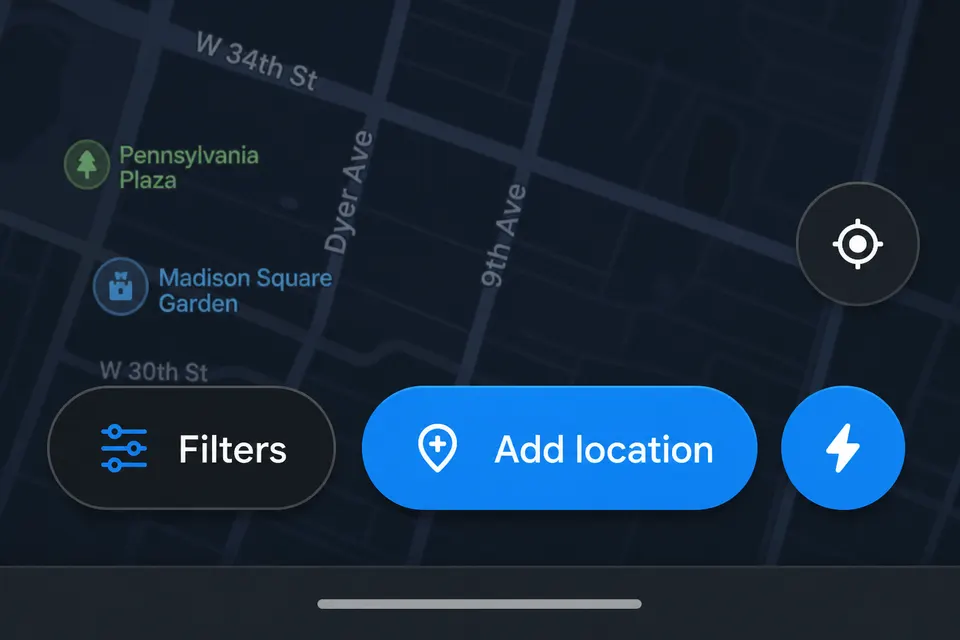
Quick add at your location
Tap the lightning button next to Add location to open the add form at your current GPS position, with address and nearby place details filled in automatically when available.
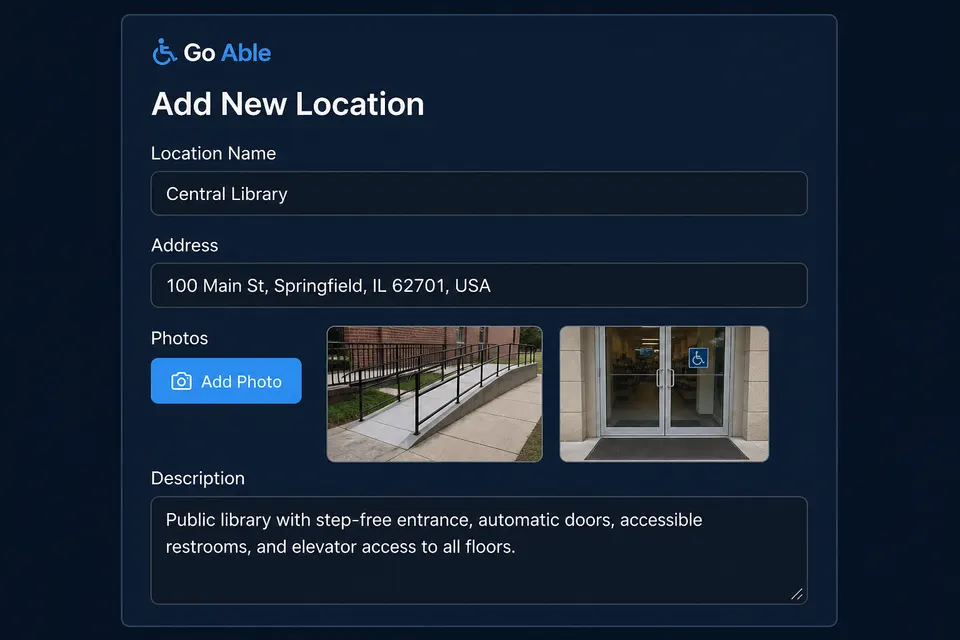
Photos when you add a place
Upload doorway, ramp, and bathroom photos while creating a new location. They attach as soon as the place is saved — and anyone can add photos to existing places without signing in.
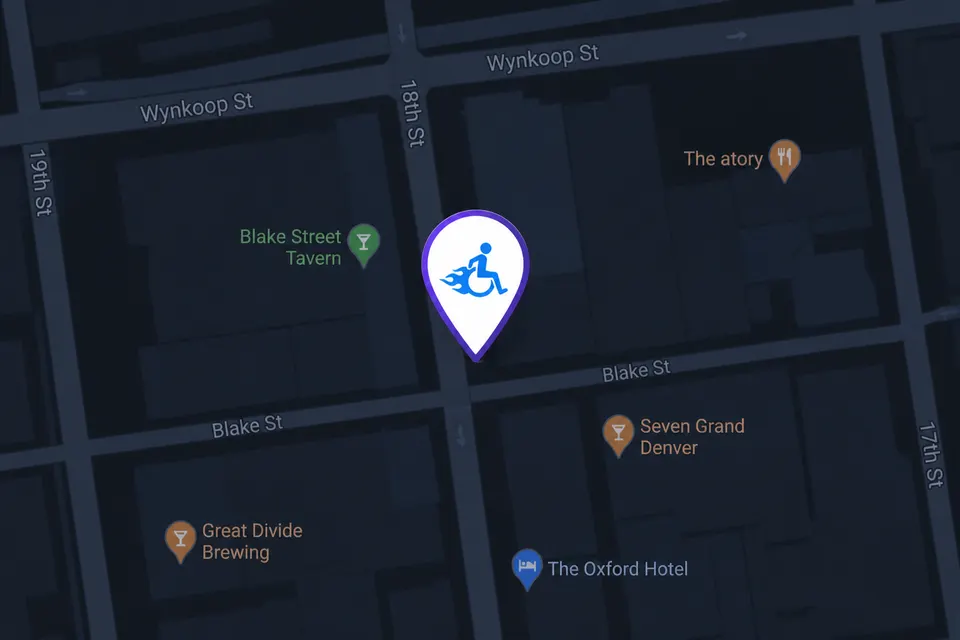
Go Able drop pin
The pin you drop when placing a location (and the map cursor while picking) now uses the Go Able icon in a clear teardrop marker.